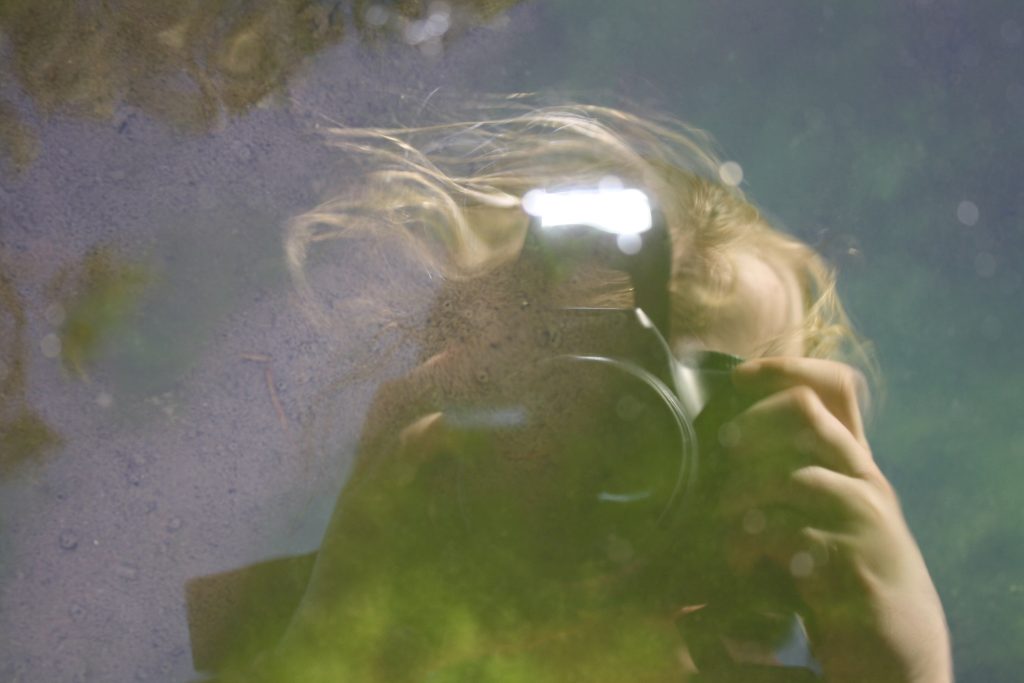
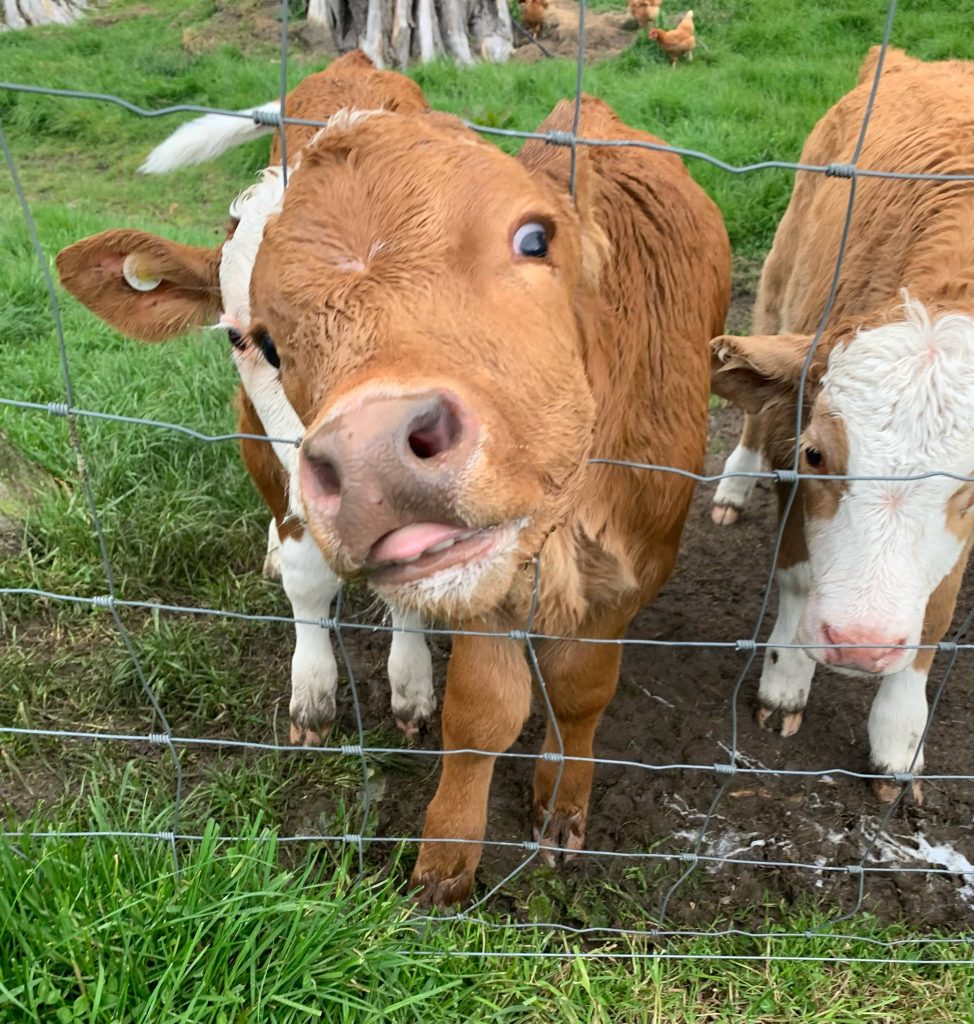

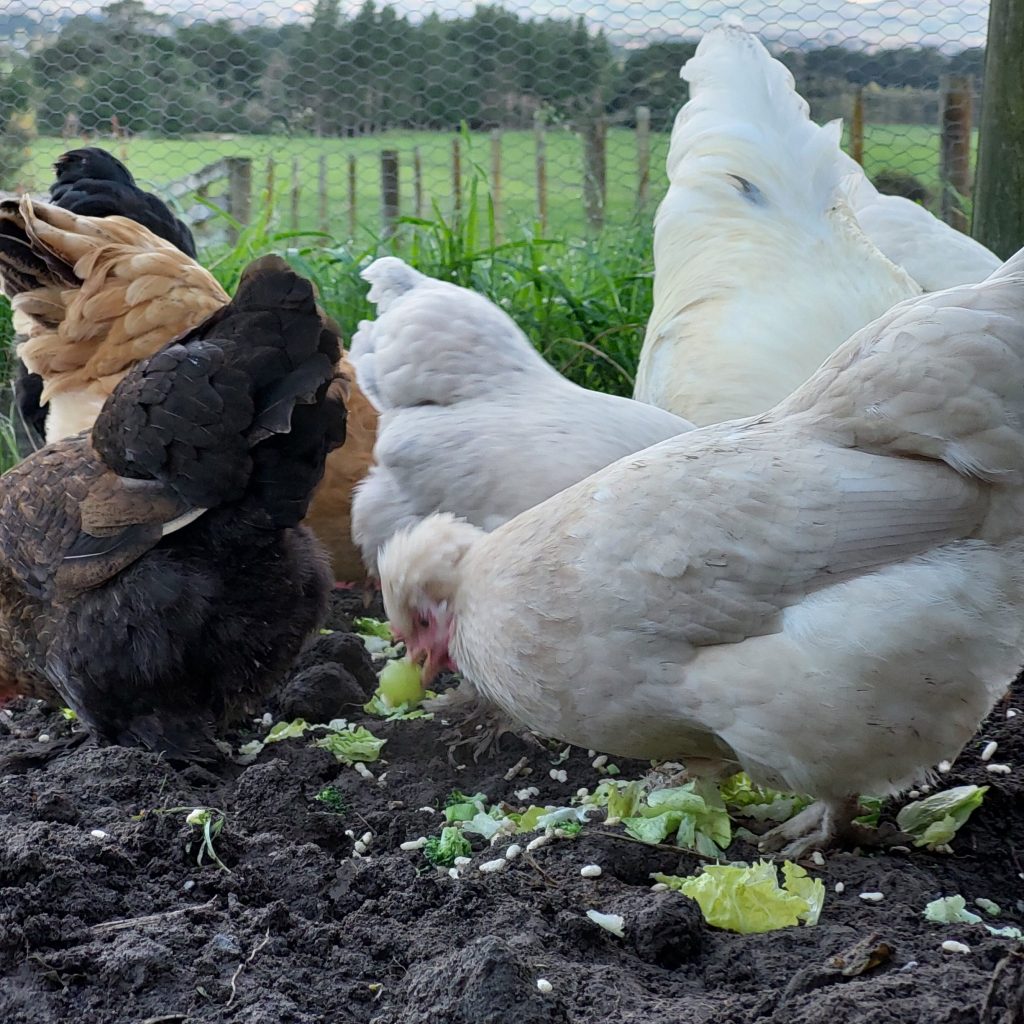
The Photography Awards is an e-learning competition, open to all primary and intermediate-aged students in the Wairarapa region. This competition allows students to be inspired, to innovate, and to create. For teachers, the challenge is to further integrate e-learning and use technology effectively in their classroom practice to enhance students’ creativity and digital competencies. The awards evening will provide an opportunity for students at all levels to share and celebrate their e-learning skills and talents.
Following judging the award-winning entries will be professionally produced and presented to the winners at an awards night. If we are unable to hold an awards evening we will move the awards announcements to an online video.
An overall winning photographer will also be selected.
Key Dates
Competition entries close: Friday 17th October (this can be extended on request from schools)
Awards Evening: Wednesday 26th November
The photography entry categories are;
1. Patterns Around Me
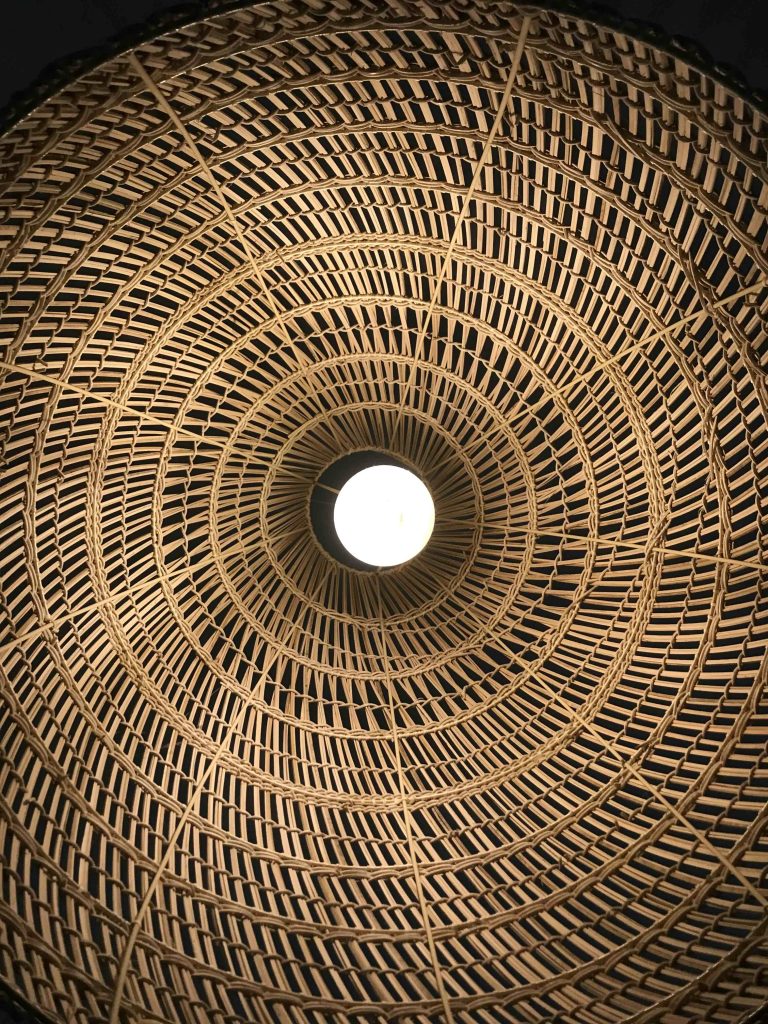
Pattern can be found everywhere and are commonly seen within shapes, colours or textures. Using patterns is a great way to draw a viewer’s eye into your picture and generally, it will be the pattern within the photograph that will become the most prominent part of it.
Patterns can be found in nature, trees, flowers, and water can form patters such as spirals and waves.
Patterns can be found in architecture, including exteriors and interiors of buildings.
Patterns can be found in the playground or out on the street, for example, street art or floor markings.
You can also set up your own patterns by being creative, for example using lego or maths equipment.
Check out Lucy’s Teacher Videos about Composition at the link above to help your students with this category.
2. Fun in the Playground
Every school has a playground and this category will focus on having Fun!
Whether on the play equipment itself, or out on the field, playing games or even a wheels day, your students can capture the fun that is had within your school.
Action shots on the swings, throwing and catching or swinging from the monkey bars, there are no limits to your students’ imaginations.
Check out Lucy’s Teacher Videos about Focus at the link above to help your students with this category.

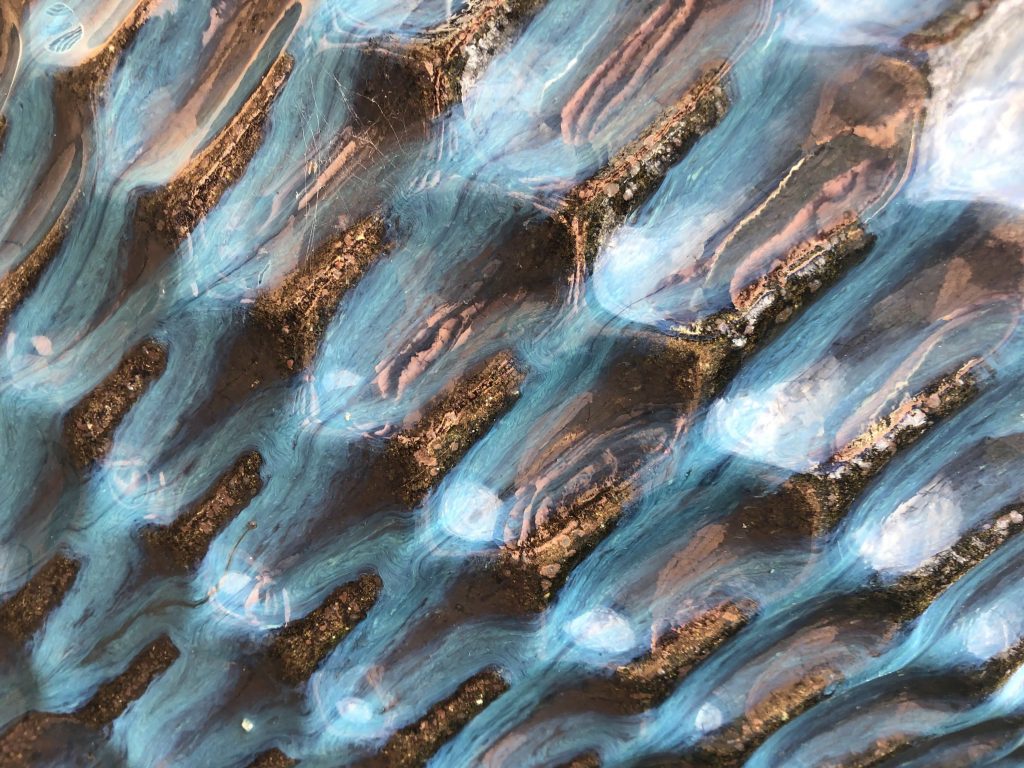

Thank you to our previous competition winning photographers for the photos above.
Entry levels for each category are:
Group 1: Years 1 and 2
Group 2: Years 3 and 4
Group 3: Years 5 and 6
Group 4: Years 7 and 8
RULES
- Maximum of 5 entries per entry group in each category from each school
- Only 1 entry in each category per student.
- Entries must be taken by the student.
- All entries must be a photo taken in 2025.
- Written permission must be obtained for use of personal images. e.g. portraits. This information must be held by the school.
- Image size must be at least 1 MB. This will make images reproducible. Photographs must be saved in jpeg file format.
- Images can be submitted in colour or black and white.
- Images can be cropped but cannot be digitally altered in any other way.
- Judges’ decisions will be final and no correspondence will be entered into.
- Schools are asked to print off all photos submitted (A4 size) and arrange on a black or white science fair display board, with your school’s name on for the awards evening. This is so we can have a display of all photographs entered into the final competition for whānau to see as they enter
CRITERIA
YOUR DIGITAL PHOTOGRAPH SHOULD:
- Convey a message
- Have an easily understood meaning or message. (Make your subject obvious, take time to choose a focal point for your image that will help portray its meaning to the viewer.)
- Have good composition (Use techniques such as rule of thirds; foreground; background; balance and order to draw the viewers eye through your image and to the main focal point)
- Show one or more of the elements (pattern, line, colour, light)
- Demonstrate awareness of angle; frame and/or macro
- Be a large size (e.g. at least 1 MB), as images will be viewed on a screen for judging (check size)
- Be saved in jpeg file format
- Be named using the title of the photo and the name of the photographer, school, level and category.
The judge looks at the form and feel of the image, the techniques that were used, the presentation, and the composition. A judge observes the work as a whole, without breaking it down into parts. Technical considerations, composition, lighting, and impact are key considerations.
| NOVICE | APPRENTICE | PROFICIENT | EXPERT | |
| CREATIVITY | The image shows very little attempt at original ideas | The image has some originality and shows attempted innovation | The image is innovative, some creativity has been used and interesting ideas attempted. But the overall image is not fully resolved. | The image displays considerable creatively. It has fresh and interesting ideas. That make you want to look at it again and again |
| ELEMENTS | Artistic elements are not used in the image. There is lack of cohesion and the subject and artists intentions are unclear. | At least one artistic element is easily identified in the image. The use of this element may lack creativity and it does not effectively support the message of the image. | More than one artistic element has been applied to the image with some creativity. The student has considered how these elements can support their message. | The student effectively applied artistic elements to their image such as colour, pattern, line and light, to create a visually pleasing and well-crafted image |
| VISUAL COMPONENTS | The student created a composition with little or no consideration to background or how the subject is framed within the shot. The subject may be unclear and there may be distracting elements in the background | The student’s composition has a clear subject and consideration has been made of the background. But the image lacks creativity in the use of angles or framing. The main focal point may be unclear. | Some creativity has been applied to the composition and the student has considered the angle of the shot and how the object is framed. The subject is clear and the background has no distracting elements. | The student applied composition techniques such as rules of 3rds, balance, angles and framing with intention and thought. The composition effectively helps portray the message/ story of the image. |
How to submit photos
School entries need to be submitted via Google drive. Your school’s teacher in charge of the competition will be emailed their school google folder. Inside the folder will be two folders, one labelled ‘Patterns Around Me’ and one labelled ‘Fun In The Playground’.
Inside each of these will be the Year Level entry folders.
We suggest schools set up a folder to change the photo names to the required format and to save all of your entries in before they are submitted.
Images must be named using the following format:
category (PAM) or (FIP)
year level of student
school
name
Examples: PAM_7_8_mis_janedoe.jpeg or FIP_1_2_lakeview_johnsmith (please use a underscore (_) in between each
PAM – Patterns Around Me
FIP – Fun In The Playground